No app, no account
Works in any phone browser – iPhone and Android, including iPhone photos (HEIC).
Free photo sharing for parties
Guests scan a QR code and share photos from their phone. Seconds later they glide onto the TV or projector – a live slideshow of your party, as it happens.
Name your party and pick a theme. You get a QR code for the guests and a private link to manage everything.
Put the QR code on the tables or the screen. Guests type their name, pick a photo and add a greeting – right in the phone's browser.
Open the slideshow on a laptop connected to the TV or projector. New photos glide in within seconds, with names and greetings.
No downloads, no sign-ups. Guests are sharing in under a minute – on iPhone and Android.
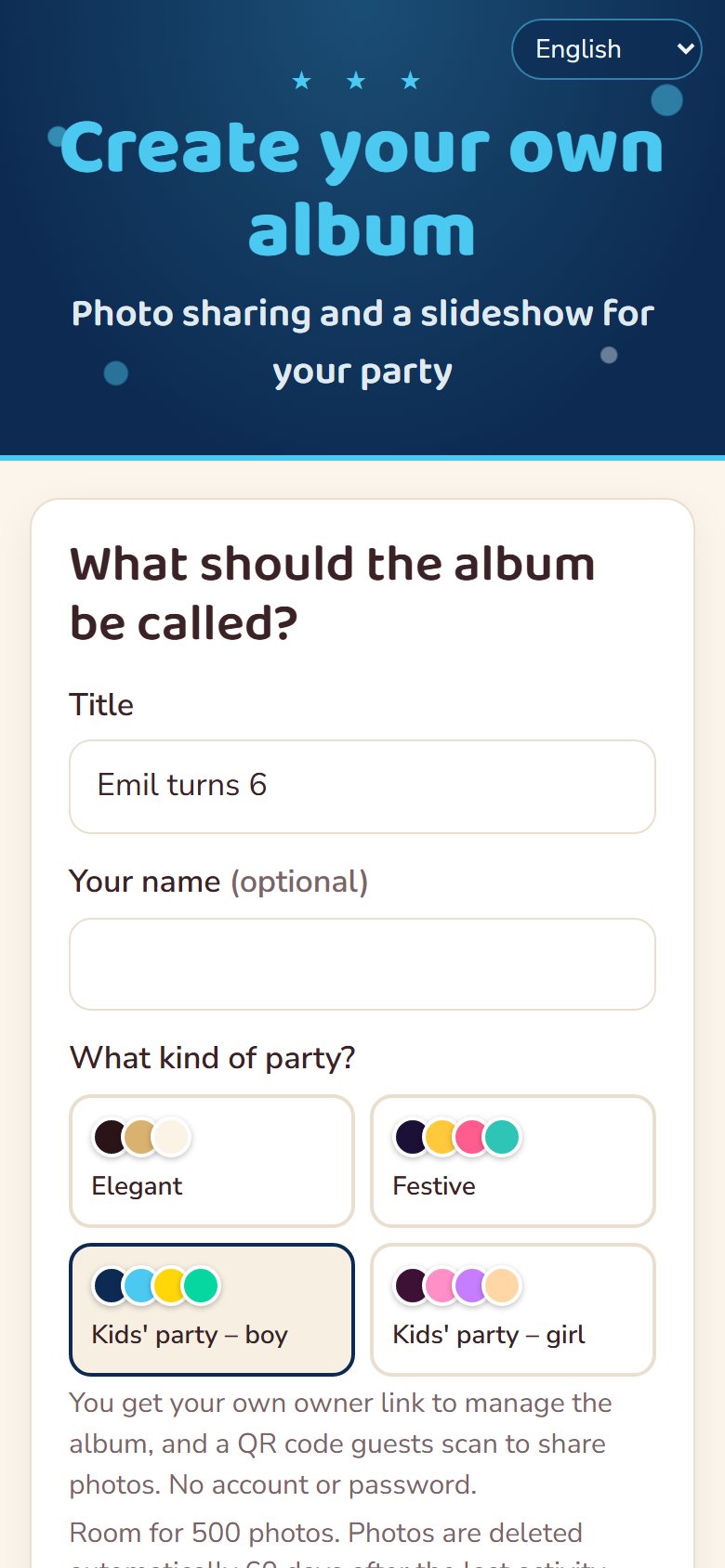
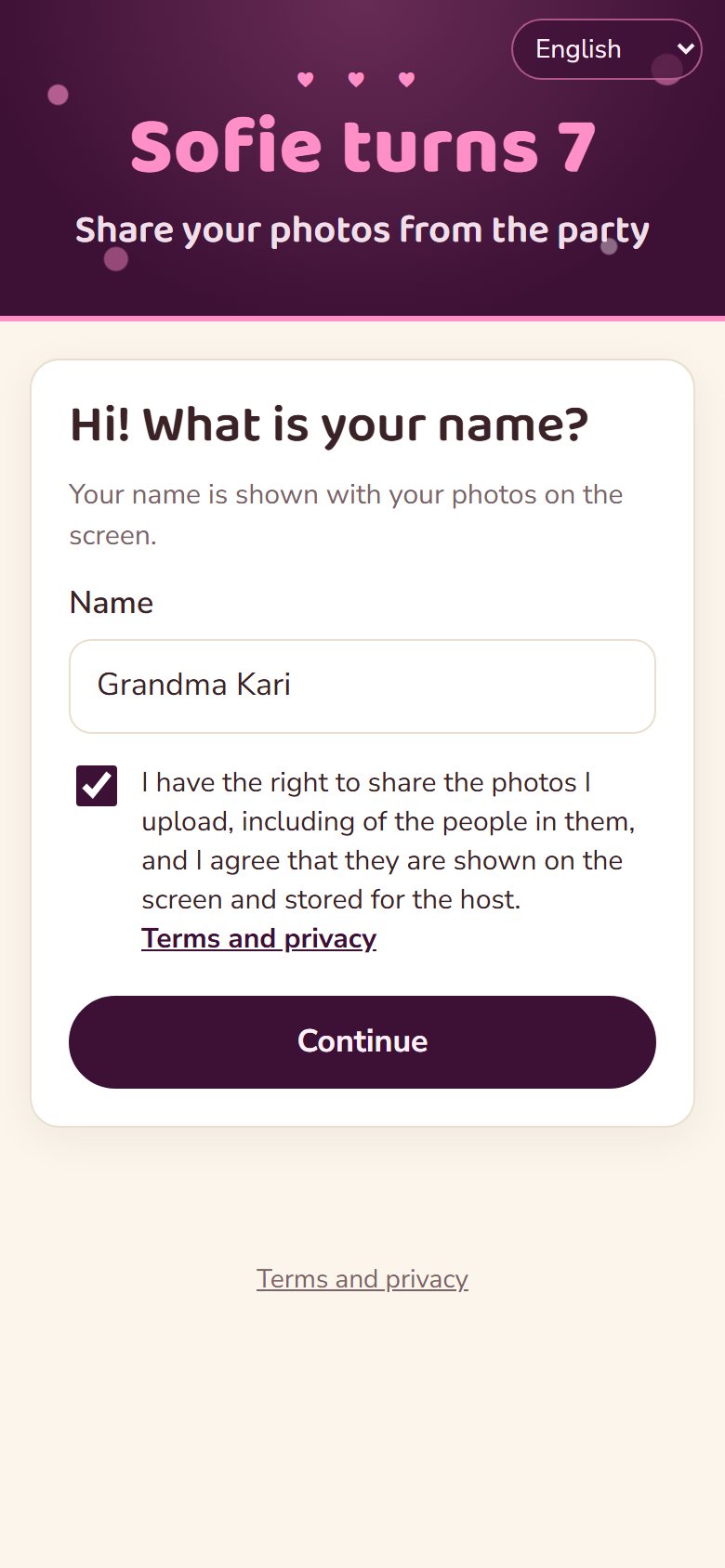
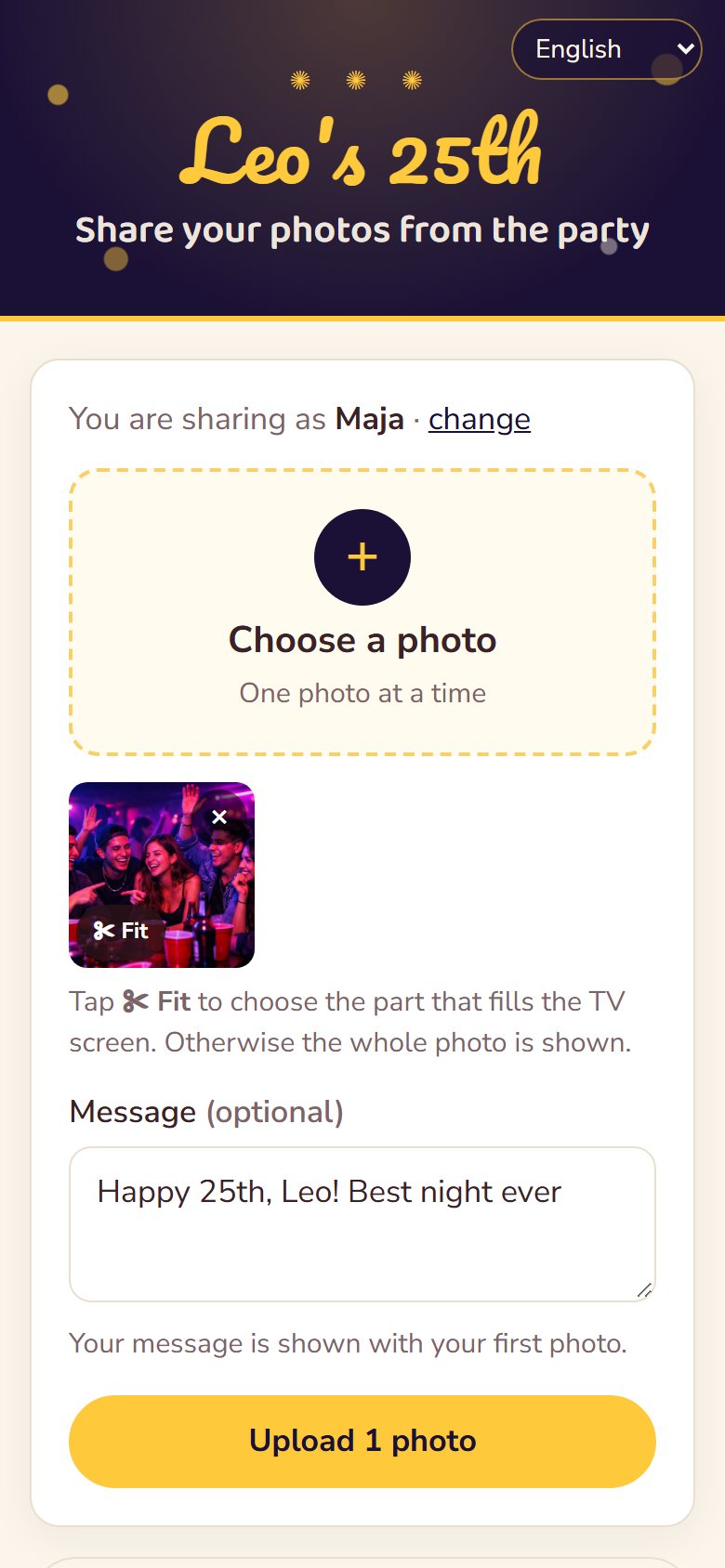
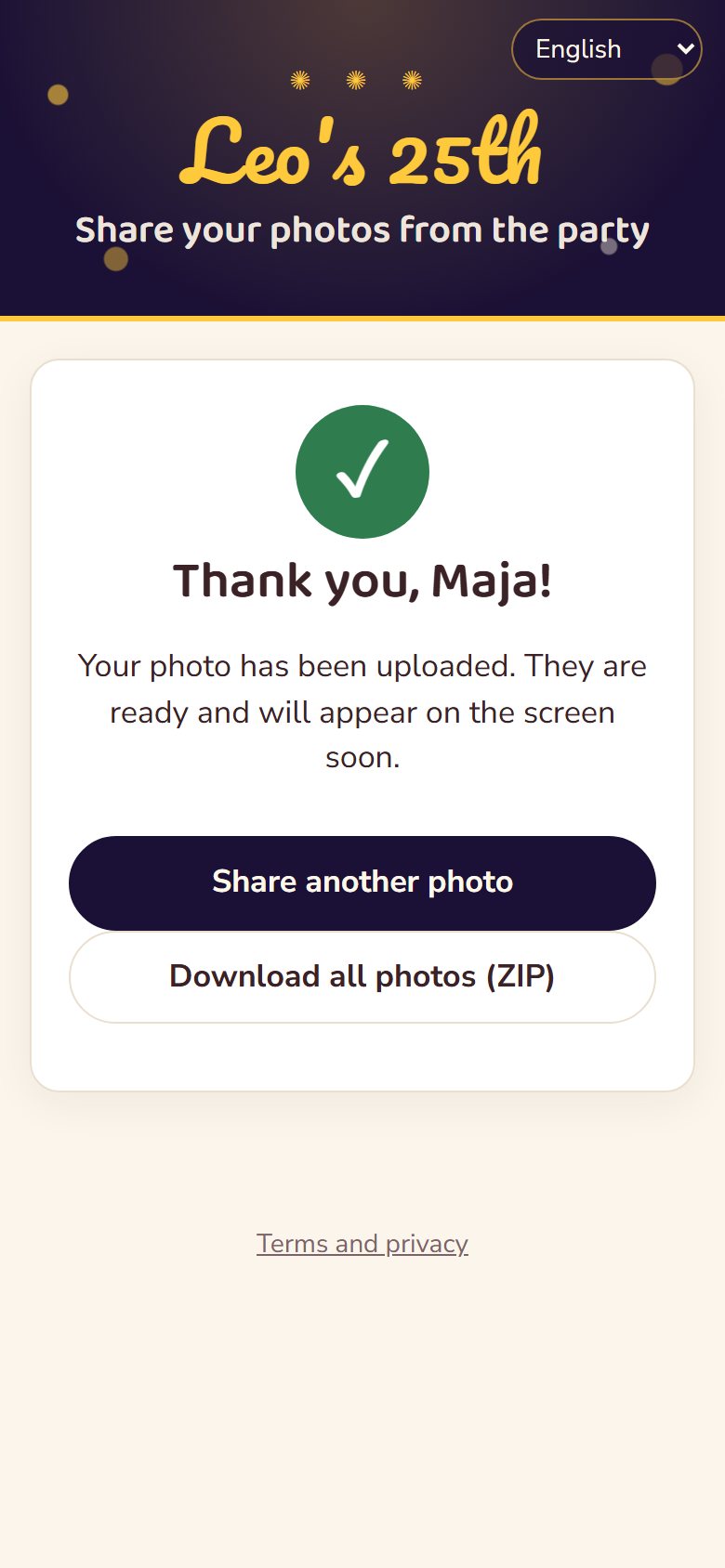
Pick a theme and the slideshow, the guest page and the poster all match – colours, fonts, frames and decorations.


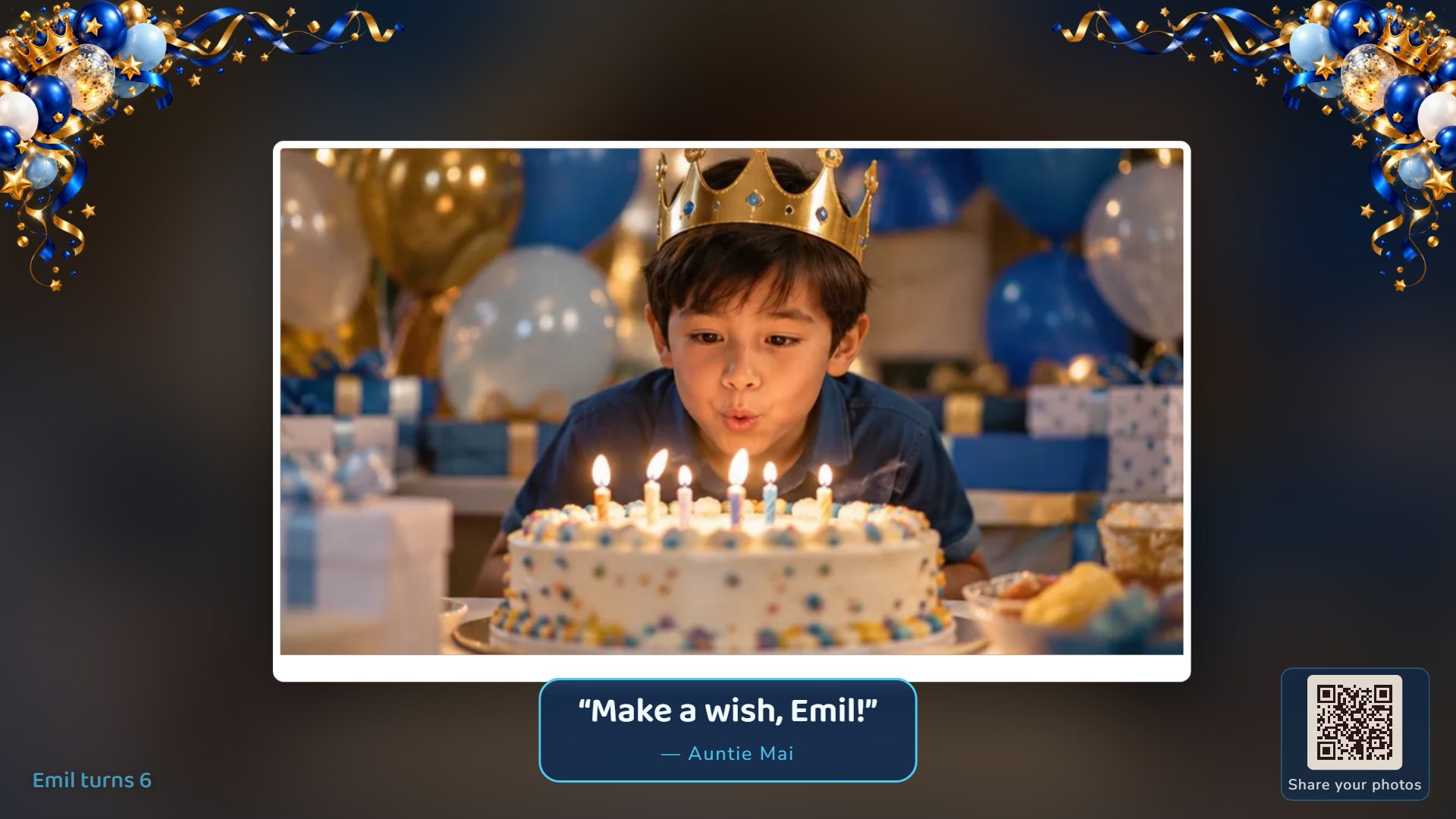
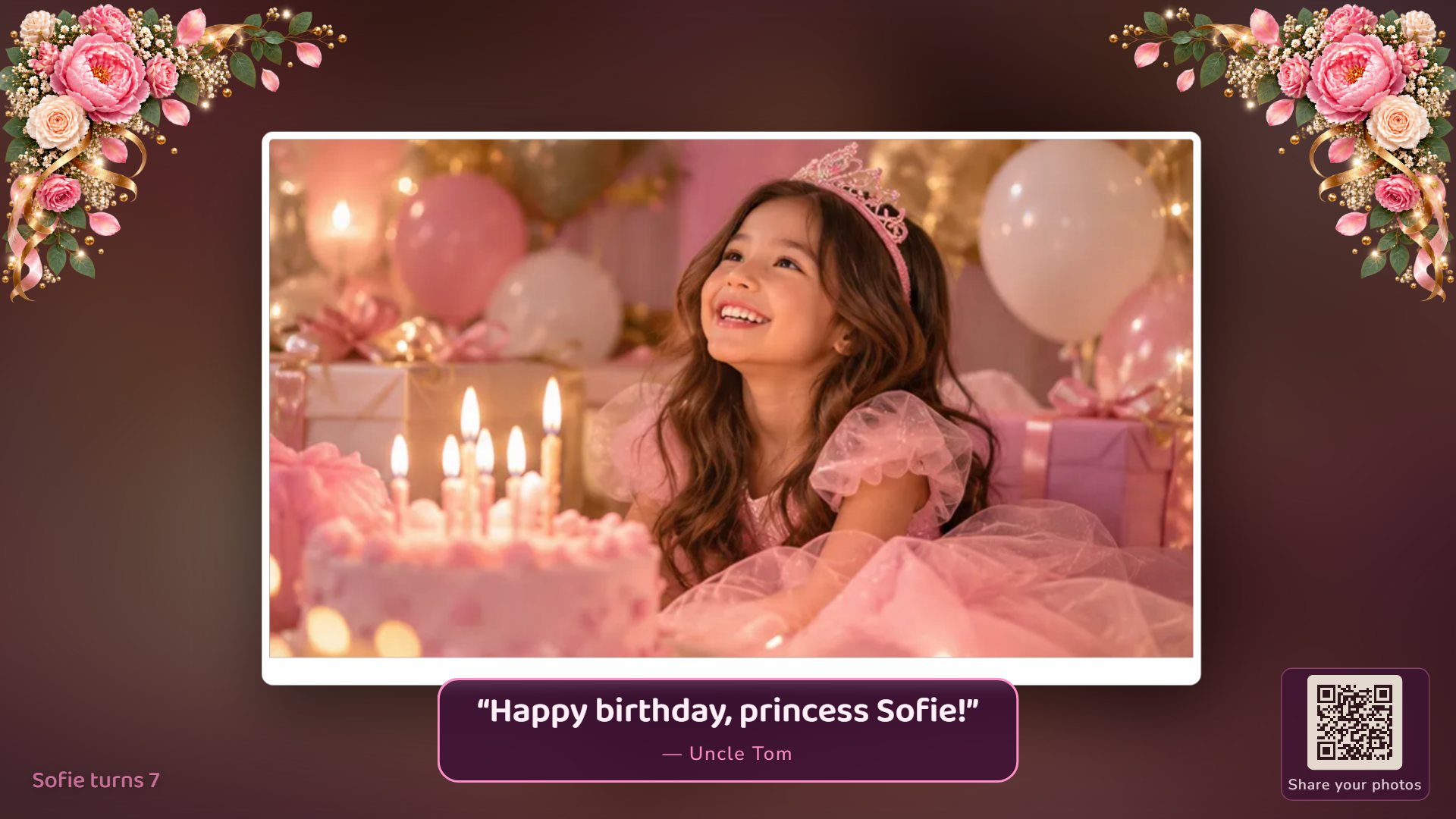
Works in any phone browser – iPhone and Android, including iPhone photos (HEIC).
Fresh uploads jump the queue with a “New” badge, so nobody waits to see their photo on the screen.
Approve photos before they're shown, hide or delete with one tap, and fix names and greetings.
Guests can crop to the screen's shape on their phone. Otherwise the whole photo is shown – faces are never cut off.
Download all the originals as a ZIP – and let your guests download them too, if you like.
Secret links, no ads and no tracking. Photos are deleted automatically 60 days after the party.
No ads, no subscription, no catch. Every party gets room for 500 photos – more than enough for a great night.
Create your free albumYes. There are no ads, subscriptions or hidden costs.
No. They scan the QR code with the phone's camera and share photos in the browser – on iPhone and Android.
Any computer with a web browser connected to the TV or projector with HDMI, or a smart TV with a browser. Open the slideshow link and press F11 for full screen.
Up to 500 photos per party. Guests share one photo at a time, and you can upload many at once before the party so the slideshow has something to show from the start.
Only people with the links: the guests, whoever is watching the screen and you as the owner. The links are secret and never appear in search engines.
The originals are deleted automatically 60 days after the last activity. Download them all as a ZIP before then.
Yes. As the owner you can hide or delete any photo instantly – it disappears from the screen within seconds.